"We Want a Chatbot That Knows Our SOPs"
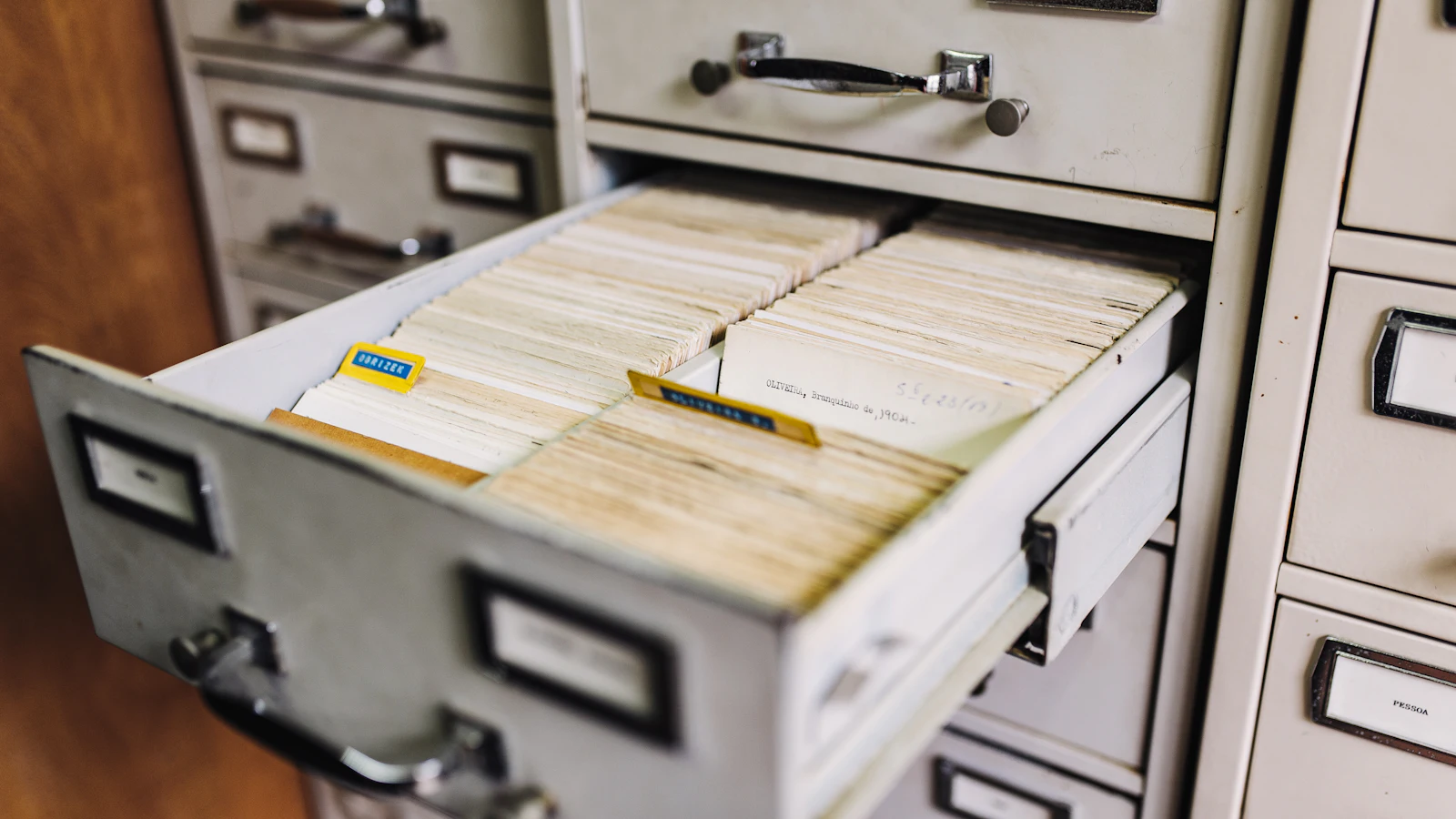
We hear this request more and more. Operations teams are tired of answering the same questions: the returns process, the leave policy, how to fill in a claim form. The answers already exist in internal documents, but they are scattered across PDFs, Google Drive, and WhatsApp groups.
Language models like ChatGPT know nothing about your internal documents. Retraining a model on company documents is expensive, slow, and has to be redone every time a document changes. That is where Retrieval-Augmented Generation (RAG) comes in. In an earlier post we covered the difference between chatbots and AI agents. This one focuses on the chatbot people ask for most: one that answers from your own documents.
How RAG Works, in Plain Terms
The term comes from a 2020 paper by Lewis et al., which paired a language model with an external "memory" in the form of a document index. The authors noted that models store knowledge in their parameters but struggle to show where an answer came from and are hard to update. Moving knowledge into a document index addresses both.
In practice, the flow has two stages.
Stage 1: Preparing the Documents (Indexing)
- Collect the documents the chatbot may answer from: SOPs, FAQs, policies, product catalogues.
- Split them into chunks of a few paragraphs each. One long SOP can become dozens of chunks.
- Turn each chunk into an embedding, a numeric representation of the text's meaning.
- Store them in a vector store, a database that searches by similarity of meaning rather than matching words.
Many providers now offer this stage as a managed service. OpenAI's Retrieval API, for example, handles chunking and embedding when you upload files to a vector store, then returns relevant chunks with similarity scores and their source file.
Stage 2: Answering (Retrieval + Generation)
- A user asks, say, "How long do customers have to return a faulty item?"
- The system finds the chunks closest in meaning to the question.
- Those chunks go into the prompt with an instruction: "Answer only from the context below. If it isn't there, say you don't know."
- The model writes the answer and, ideally, cites the source document.
The key point: the model doesn't "learn" your documents. It reads the relevant chunks every time it answers. When an SOP changes, you just update the index.
When a Plain FAQ Is Enough
RAG isn't the answer to everything. Before building one, we always ask: how varied are the questions?
A FAQ or menu-based bot is enough when:
- There are few questions and they repeat: opening hours, shipping costs, password resets.
- The answer must be word-for-word identical every time, as with prices or legal terms.
- The documents rarely change and fit on a single page.
RAG is worth considering when:
- There are many long documents, and people struggle to find the relevant section.
- Questions vary widely and are phrased in unpredictable ways.
- The main users are internal (support staff, operations) who can check the answer.
We often suggest starting with an internal bot for staff rather than one for customers. If an answer is wrong, staff can check the source before passing it on. It's a safe way to measure quality before the bot talks to the public.
Risk 1: Confidently Wrong Answers
RAG reduces hallucination but doesn't eliminate it. The causes we see most often:
- Conflicting sources. The old and new SOP both sit in the folder, and the system picks the wrong one.
- Chunks stripped of context. "Valid for 14 days" without its section heading could refer to anything.
- Questions outside the documents. Without a firm instruction, the model fills the gap from general knowledge.
Fix:
- Clean up documents before indexing. One topic, one current document. Archive old versions outside the index.
- Store metadata per document (title, department, effective date) and keep section headings in every chunk.
- Require the bot to show its sources and to say "I couldn't find that" when the context falls short.
- Build a test set from your team's real questions, with correct answers. Rerun it whenever documents or prompts change.
Risk 2: Data Leaking Through the Chatbot
This risk gets less attention, yet the damage is bigger. OWASP lists it in its 2025 Top 10 for LLM applications as Vector and Embedding Weaknesses. Scenarios they describe include:
- Unauthorised access. If access controls in the vector store don't match the original documents, the bot can retrieve and reveal personal data or confidential information.
- Cross-context leaks. When several user groups share one vector database, one group's chunks can surface in another group's answers.
- Data poisoning. Documents from untrusted sources can carry hidden instructions that manipulate answers.
A realistic example: HR payroll files and warehouse SOPs get indexed together. A warehouse worker asks about overtime, and the bot happily quotes the salary table.
Fix:
- Mirror the original permissions. Store access info (department, role) as attributes on each document and filter retrieval by the user's identity. OpenAI's Retrieval API, for instance, supports attribute filtering to narrow files before semantic search.
- Separate indexes for sensitive data rather than relying on prompts like "never show payroll data". A prompt is not access control.
- Only index documents from trusted sources, and audit the index regularly.
- Log questions and retrieved documents so you can trace a bad answer back to its source.
If your documents contain customer or employee personal data, Indonesia's PDP Law applies too, including when data goes to an overseas AI provider. We cover that in our PDP Law checklist for web apps.
Build It or Use a Ready-Made Service?
The options form a spectrum:
- Built-in features of tools you already use, like assistants inside your document workspace or helpdesk. Fast, but limited to the documents on that platform.
- Managed RAG services from model providers, with a ready vector store and search. You still build the interface, access control, and integrations.
- A custom pipeline with your own choice of embeddings, database, and model. The most flexible, for instance when data must stay on your servers, but the most upkeep.
Our build vs. buy framework applies here. For most businesses we suggest starting with a managed service and going custom only for a concrete reason, such as data location or cost at high volume.
Pre-Launch Checklist
- Clear scope: which questions the bot may and may not answer.
- Documents cleaned up, no duplicate versions, each with an owner who keeps it current.
- Access control mirrors document permissions, enforced at retrieval.
- Answers cite sources; the bot is willing to say "I don't know".
- A test set with correct answers, rerun on every change.
- Logs of questions and retrieved documents, reviewed regularly.
- A handoff path to a human for unanswered questions.
The AY Labs Approach
We start RAG projects from the documents, not the model. The first step is mapping what documents exist, who may read them, and which questions your team asks most. From there we build a test set before writing any code, so answer quality can be measured rather than guessed. We enforce access control at the retrieval layer, show sources with every answer, and usually launch to internal staff first. If you're weighing whether your internal documents are ready to power a chatbot, or whether a plain FAQ would do the job, we're happy to help you decide.